




Spinmama app: play on iOS and Android
The Spinmama app is our ultimate variant for having a break from desktop gaming and going portable. All players can enjoy the massive Spinmama catalog and feel the excitement of playing on smartphones right after a fast and smooth installation of our most modern and sophisticated PWA. If you are seeking reliable online gaming and want to always get notified about our latest offers, then you definitely need to try using our convenient mobile version.



Benefits and features of the Spinmama app
The Spinmama app sets a new benchmark in mobile casino gaming. We are planning to impress you as soon as you log in on your mobile—enhanced performance, smooth play, great graphics, and an intuitive design with all the needed features and tabs—all await you.
The app offers a dedicated space to play games. Everything is available on your smartphones:
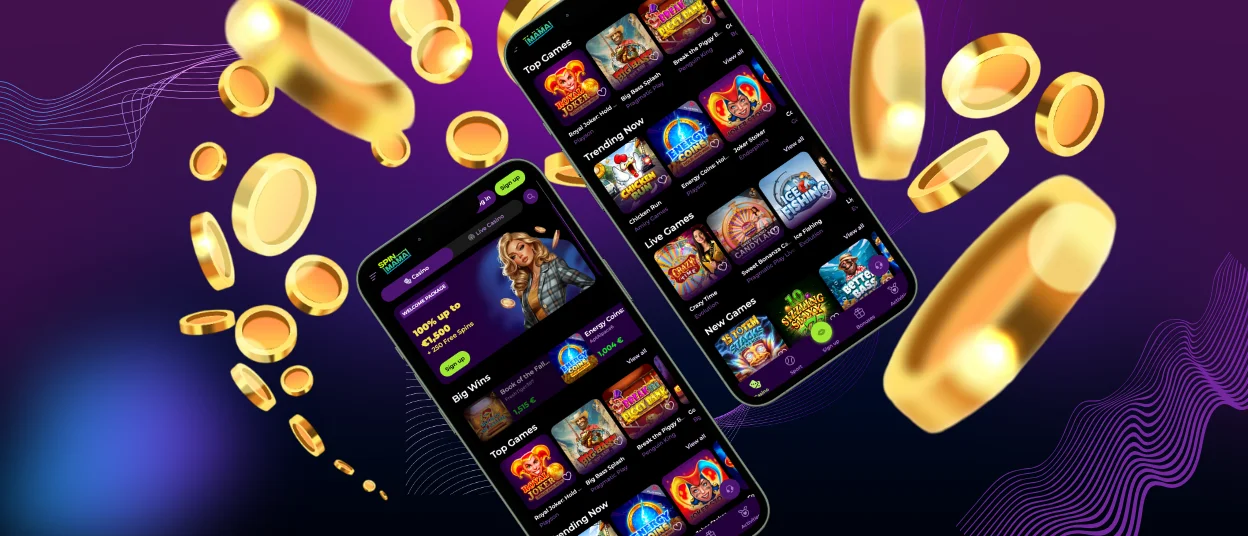
- Main page with all the welcome and bonus offers, “Top Games,” “Trending Now” games, “Live Games,” and “New Games” for you to check.
- The hidden (and most important) tab on the left is for Bonuses, Activities, Loyalty, cashback, and promotions.
- Help center with the most frequently asked questions and a button for live chat support.
We are always working to improve the responsiveness and stability of the games, even on less powerful devices than the browser supports. The design is streamlined, with a low memory footprint while delivering superior graphics and interactions. Regular updates keep the app up to date with new features and security patches, ensuring seamless gameplay transitions.
Key differences between the PWA experience and desktop play
We will try to illustrate for you that although both platforms provide an excellent gaming experience, the Spinmama app offers greater flexibility and convenience, making it ideal for mobile gaming.
| Feature | Spin Mama app (PWA) | Desktop Version |
| Accessibility | Instant, no installation needed | Requires software download or browser access |
| Device Compatibility | Optimized for mobile devices | Designed for PCs and iPads |
| Performance | Fast load times, minimized lag, less freeze | Full hardware capabilities |
| Security | Encrypted connections, secure Spinmama login | High security, complex authentication |
| Notifications | Push notifications for promotions and news, account happenings | No direct push notification support |
| Gameplay | Touch controls, responsive interface | Mouse and keyboard navigation |
| Storage | Minimal storage required | No storage limitations |
The Spinmama app is easy to install on phones and desktops. On an iPhone, players just add the app via the browser menu, which installs an app shortcut on the home screen. For Android devices, the app can be downloaded from the website by clicking the “Casino App” multi-help button, which leads to our PWA. And for desktop users, they can simply navigate to the casino website and log in using their browser. We will discuss it in more detail below for each device type.
The app is designed to work with:
- Top-end smartphones and tablets.
- Entry-level devices with reduced performance.
- Desktop and laptop computers.
Mobile application for iOS
The Spinmama app for iOS offers a simple installation process, bypassing the App Store. To use the app, our players need to navigate to the Spin Mama Casino site and add the app to their home screen. The installation process is easy:
- Log onto the Spinmama Casino site.
- Click on the three dots on the address bar.
- Tap the “Add to Home Screen” button.
- Confirm it, and the app icon will be added to your home screen.
Once downloaded, the iOS Spinmama app features a responsive design suitable for iPhones and iPads. It allows easy access to a wide range of online slots. Live casino games and tournaments are also available. It takes advantage of iOS security measures and has push notifications to notify users about offers and news.
Spinmama app for Android
If you have an Android device, everything is just as easy. The Spinmama app is also available for Android users in the form of a lean Progressive Web App (PWA). It’s easy to install:
- Go to the Spin Mama Casino website.
- Click the “Casino App” button to install the PWA.
- Click the next button called “Install”.
- Tap OK and proceed with the installation process.
- You can later on add our Spin Mama to the home screen, just like Apple players like to do.
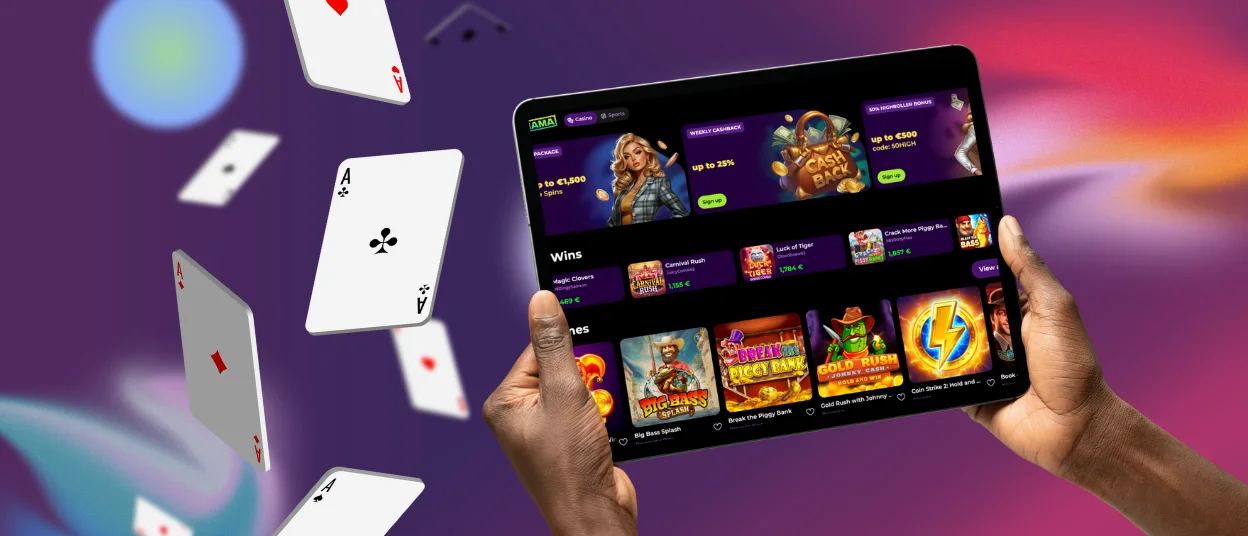
And this is it—you have our application on your wallpaper, ready to play! It is compatible with Android 8.0 and later, running on most devices. The app’s touch interface is sensitive and responsive, making it easier to play on mobiles and tablets.
Play Spin Mama Casino on Mac or Windows
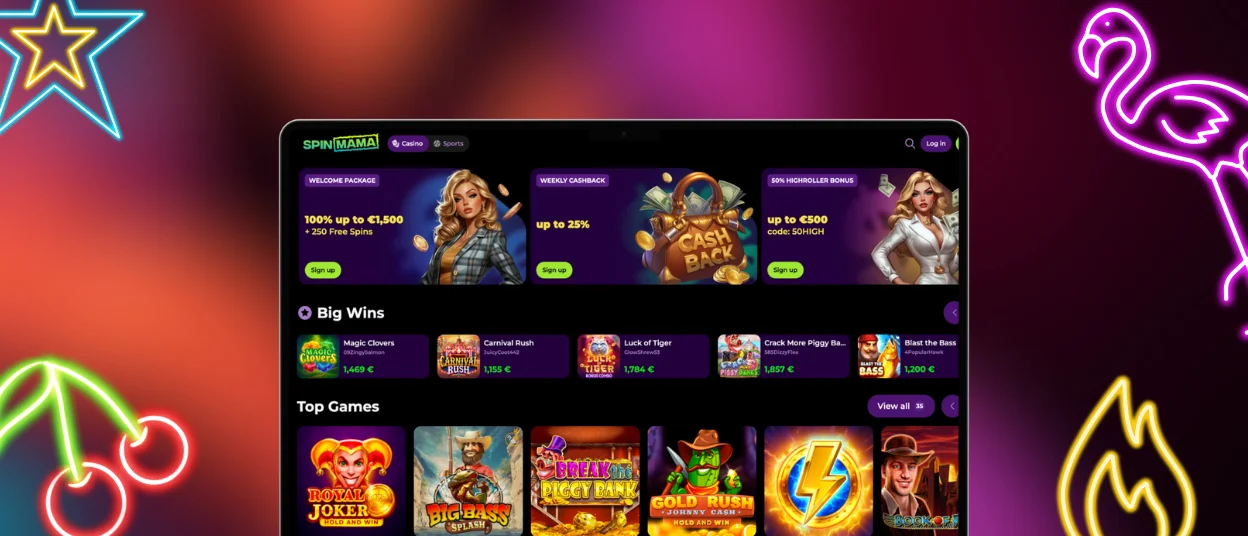
The desktop version of Spinmama Casino is fully synced across Windows and macOS using a web browser. With the desktop, you can enjoy a better game selection, which is much more useful for live dealer games, as the details are important. To play Spinmama on a desktop:
- Access the website through a shortcut or browser.
- Enter your login information.
- Access all of our online slots, cards and live dealer games straightaway!
The desktop version is compatible with all major browsers and ensures security. It offers a seamless multi-device user experience, with real-time updates for account details and game progress. You can see your balance movements all inside a dashboard.
FAQ
Do I get the same games on mobile as on desktop?
Yes, you can play all the games available on the desktop, such as online slots, table games, and live dealers. We synchronize everything, so what you do on your PC will be automatically reflected on your mobile and vice versa.
Is my balance synchronized in real time across devices?
In real time, yes. The Spinmama Casino makes use of secure real-time synchronization to keep your game balance and progress up to date across all devices.
Does the app support push notifications?
The Spinmama app offers push notifications for promotions, in-game events, and account updates. You can also sign up for our news and cool events happening. On your mobile, you can see a pop-up from Spin Mama inviting you to try something new or some messages from the support team about your verification process.
Will the PWA run smoothly on older devices?
The Spinmama Casino PWA is built for speed, but you may encounter issues on older devices with outdated hardware and software. But it is expected to run smoothly on most smartphones and tablets. Try not to install our Spinmama app on very old mobiles, and it will work super well.


